When connectivity drops
Design local buffering and replay after reconnection. Buffer capacity, retention and duplicate prevention must be implemented and validated for the site.
Usage example · DAQ
Connect data acquisition and storage from devices to databases through WMOS.
From event to outcome ↓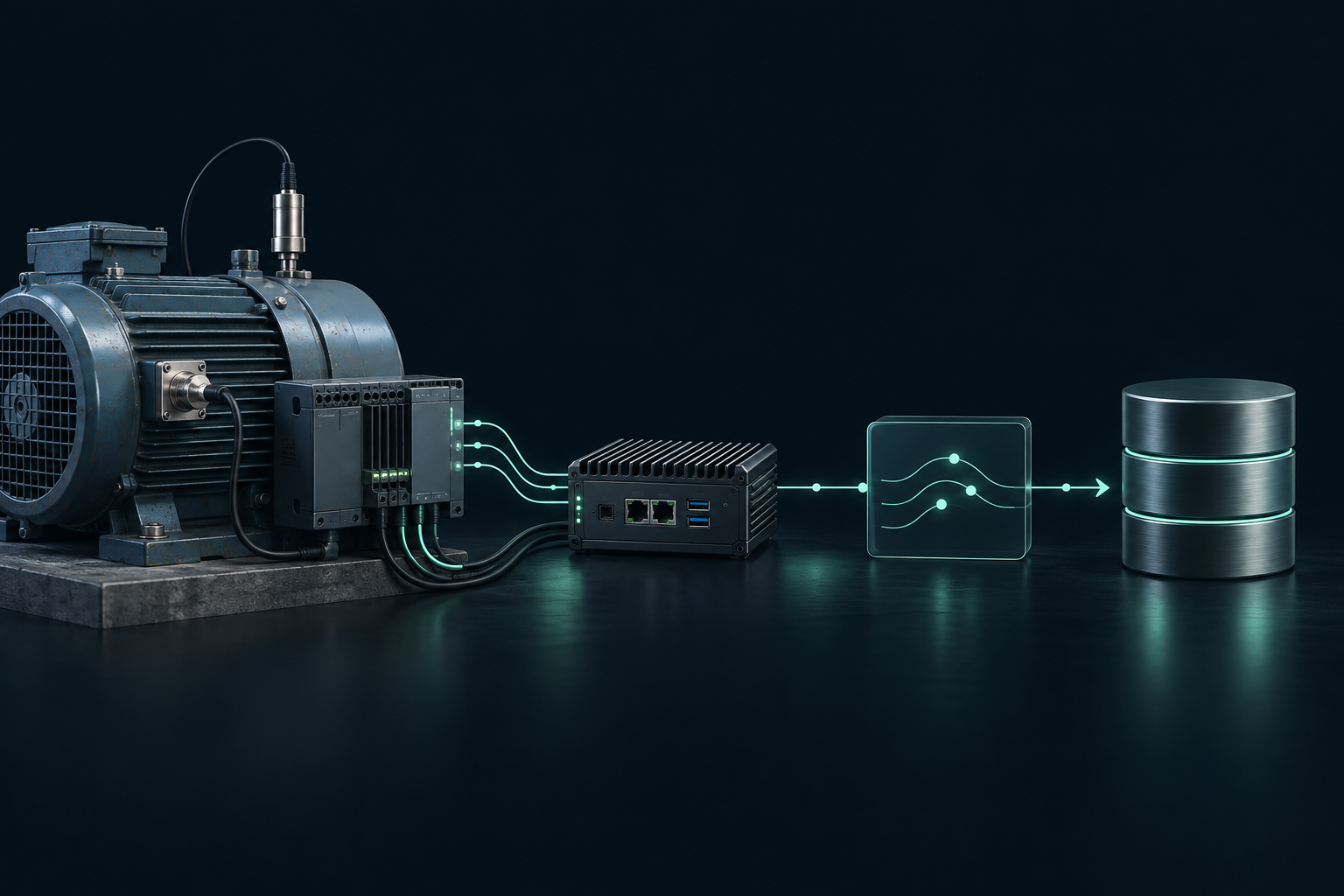
Measurement devices, collection adapter, WMOS router, database adapter and storage
A sensor reading or device status event
WMOS
WMOS forwards messages. Adapters implement data interpretation, permissions and business rules.
The collection adapter records device ID, measurement time and units
WMOS forwards the message to the designated database node
The database adapter validates the format and prevents duplicate writes by event ID
Route abnormal conditions to the responsible agent for analysis
Design local buffering and replay after reconnection. Buffer capacity, retention and duplicate prevention must be implemented and validated for the site.
Measurements outside configured limits can be routed to an agent for analysis. Data acquisition and device control permissions are configured separately.
Collection and database adapters implement device protocol conversion, units and format validation, replay and duplicate handling policies.
Configure read/write permissions and retention scope. Adding automatic control requires separate approval and safety rules.
Control connected systems from your familiar Codex or Cowork chat with a plugin or adapter.
Supported environments require receiver setup, network access and permissions for the target system.